
1.1 KiB
1.1 KiB
Notes on Lesson 02 - Master Layers | PiXimperfect
types of layers
adjustment layers
adjust the layers beneath theme
- you can use selection tool to select a portion of the image
- then hit 'create new fill or adjustment layer'
- now the new adjsutment layer (e.g. hue/saturation) is only applied to the area in the mask
hue / saturation layer
hand tool
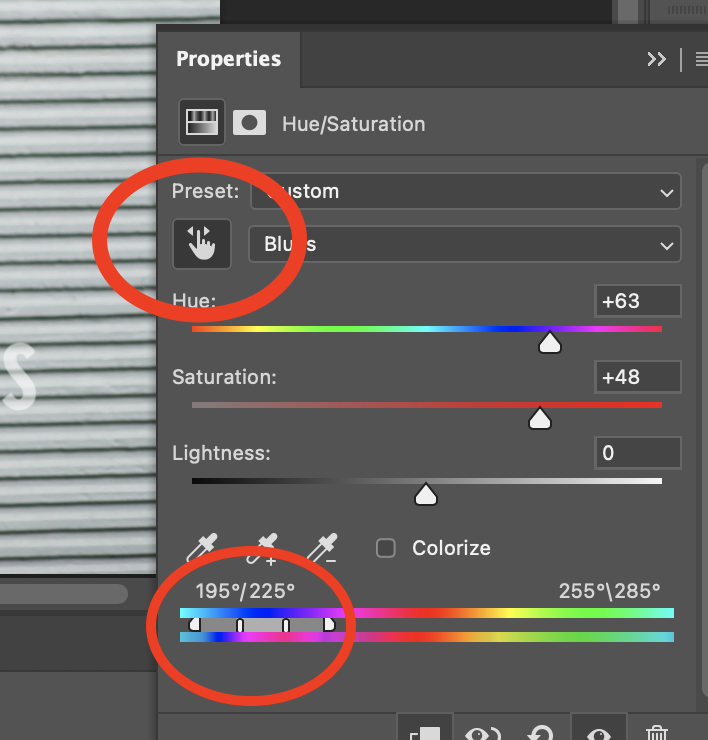
- click on any color
- drag the hand tool to change saturation
- hold down CMD and it will change the hue
expand range
- move saturation over to right to see what gets affected
- at bottom expand the range to affect colors selected
text and shape
some layers are vector based
- text
- shape layers
shape layers
- you can grab the ends and make it curved