
1.3 KiB
1.3 KiB
Section 02 - Lessons 08 | The Ultimate Facebook Page Guide
Notes
Create a Facebook Page
- login to account
- http://www.facebook.com/pages/creation
initial steps
- select category
- enter description
- click 'create page'
access main page
- to access you must switch profile to facebook page profile
-
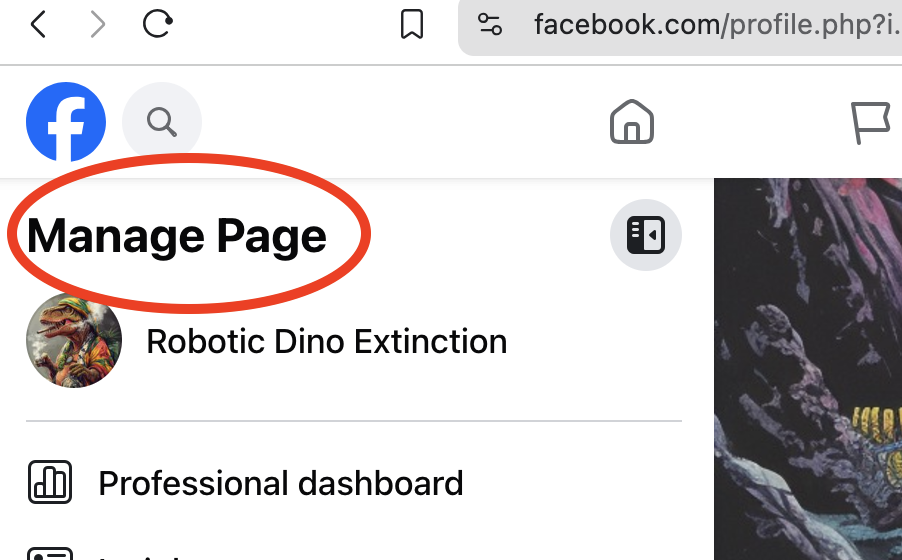
in the upper right corner it will say "Manage Page"
fill out everything
- the more complete the better
-
specifically fill out
- Edit Bio
- Edit Details
-
bio and details are used for searching
- the bio is the Meta description in google search
- include common phrases and keywords that customers would use to search
about page
-
fill oout all relevant fields for brand
- category
- business address
- phone